A clear verdict
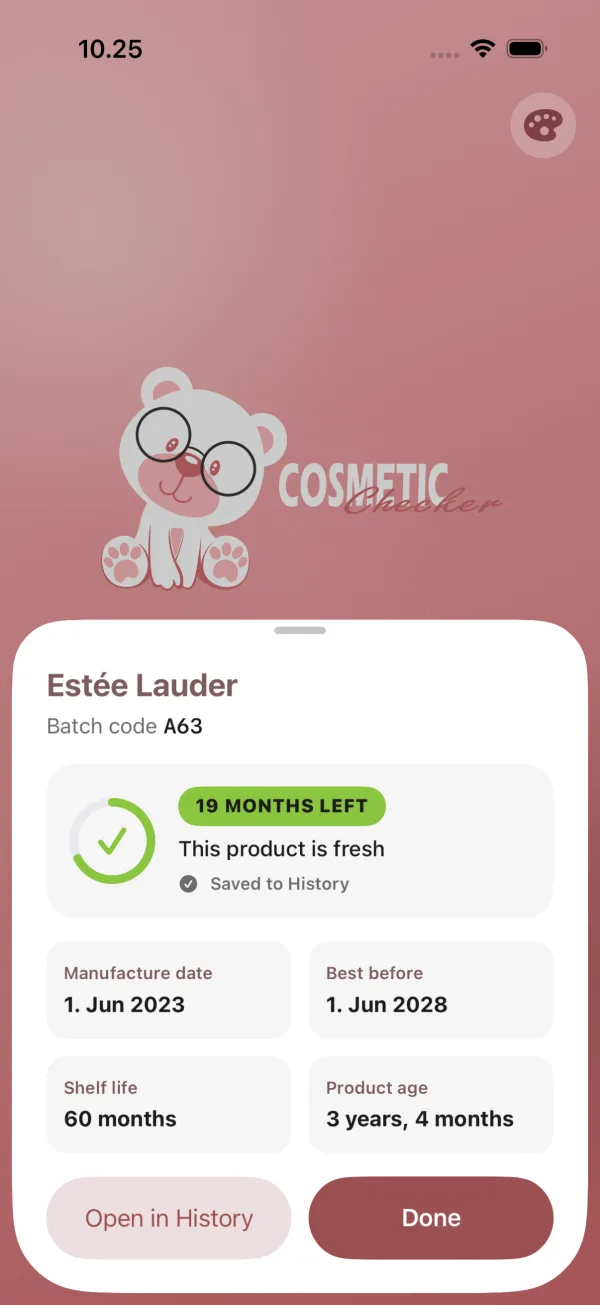
The manufacture date, best-before date, shelf life and exact age of the product, with a plain status so you know whether to keep using it.
FreshExpiring soonExpired
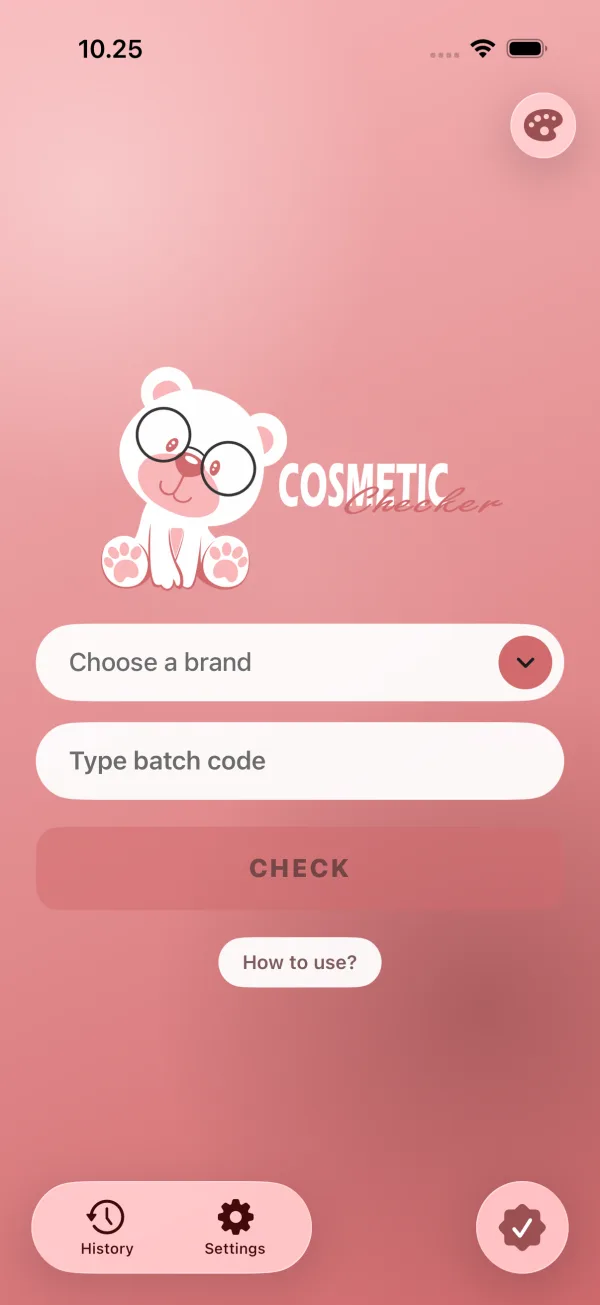
Type in the batch code from the pack. You’ll see when it was made, how long it lasts, and how much time it has left.


No scanning and no sign-up. All you need is the code on the pack.
Turn the product over. You’ll usually find it stamped on the bottom, along the crimp of a tube, or on the box.
Every brand writes its dates differently, so choose the brand first, then enter the code exactly as printed.
The app shows the manufacture date, the shelf life, a best-before date and how many months are left. Each check is kept in your history.
The manufacture date, best-before date, shelf life and exact age of the product, with a plain status so you know whether to keep using it.
Makeup, skincare and fragrance houses in one searchable list.
Every check is saved on your phone. Search it, filter by expiring or expired, and pin what you care about.
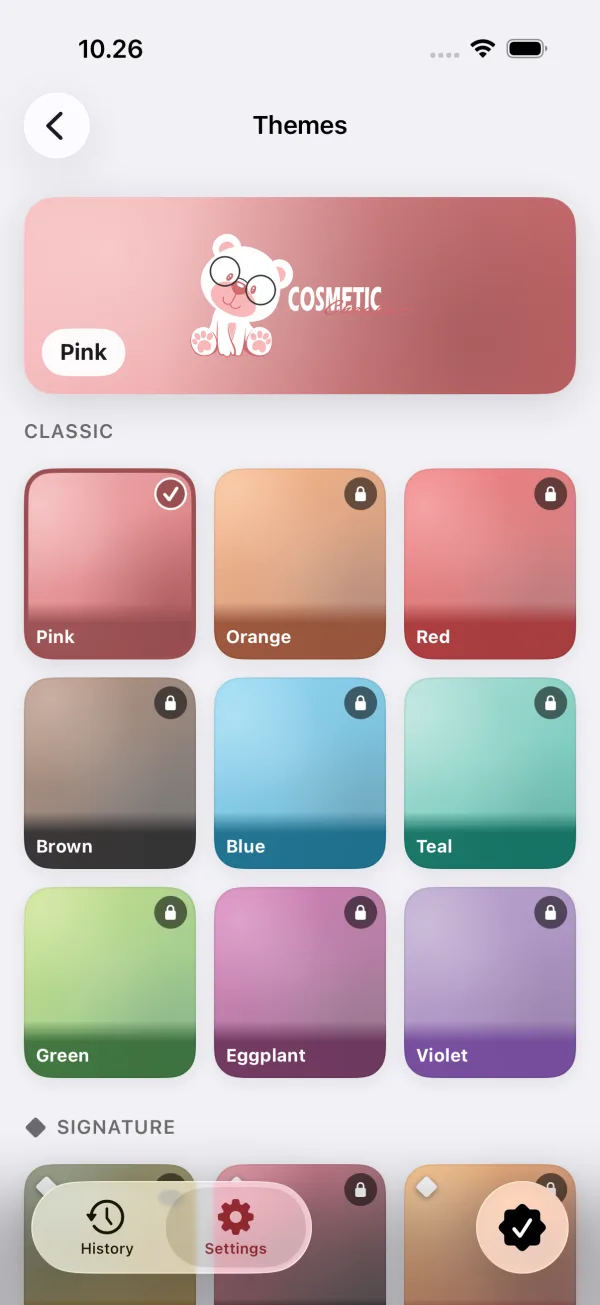
Eighteen color schemes, from soft pink to sushi to Halloween.
There’s no account. Your history lives on your phone, and the app asks for consent where the law requires it.
Eighteen themes, from quiet classics to seasonal ones like Halloween.
It’s a short string of letters and numbers stamped or printed on the pack. Brands use it to trace a product back to the run it was made in. Many also hide the manufacture date inside it, and that’s the part Cosmetic Checker reads.
Usually on the bottom of a bottle or jar, along the crimped edge of a tube, or on the outer box. It’s often tiny and sometimes etched, so tilt it under a light. The batch code guide has more detail.
When we know how a brand writes its codes, the date comes straight from the code. The shelf life is a general estimate for that type of product, not a promise from the manufacturer. Treat it as a guide, and trust your nose and eyes too.
More than 500 makeup, skincare and fragrance brands are in the list. Some brands don’t use a readable system, so a few codes can’t be dated. When that happens, the app says so instead of guessing.
They answer different questions. The batch code tells you when something was made. The PAO symbol, the little open jar with a number like 12M, tells you how long it lasts once opened. While a product is sealed, go by the batch code. After you open it, the PAO usually matters more.
It’s free, and ads pay for it. There’s no account to create. Your history is saved on your phone.
Your history stays on your phone. The app uses Google AdMob for ads and Firebase for usage and crash reports, and it asks for your consent where the law requires it. The details are in the privacy policy.

Free on iOS and Android.